An Exciting New Feature for Apple Music Users
Apple Music has launched an innovative feature that empowers users with the ability to import their favorite songs and playlists from various third-party music services directly into Apple Music. This feature is currently undergoing testing in selected countries, as stated in an Apple Support document, and is expected to roll out more broadly soon.
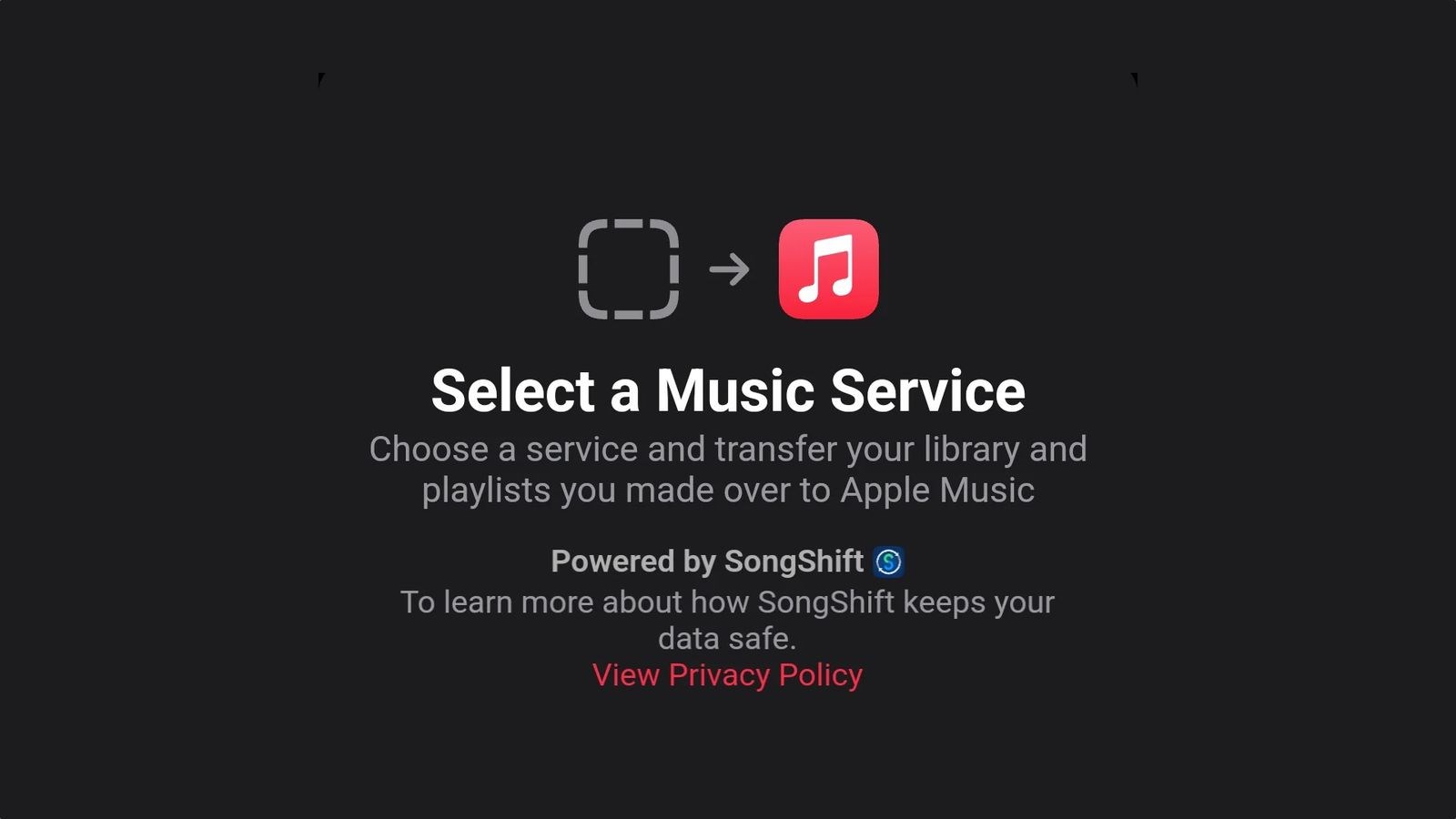
In collaboration with SongShift, a popular app known for transferring music playlists between different streaming platforms, Apple Music now allows seamless integration within its app. This partnership facilitates users to transfer songs using either the web or directly within the Apple Music app available on iPhone, iPad, or Android devices.

Users can now transfer songs, albums, and playlists from other music streaming services such as Spotify to Apple Music effortlessly. Below is a step-by-step guide to assist you in transferring your Spotify music and playlists to Apple Music:
Step-by-Step Guide to Transfer Spotify Playlists to Apple Music
- Navigate to the Apple Music settings on your device.
- Tap on Transfer music from other music service.
- Select Spotify from the list of supported music services.
- Log in to your Spotify account through the prompt.
- Select the playlists and music tracks you wish to migrate.
- Tap Add to archive to begin the process.
- Allow Apple Music a moment to locate and match your songs.
- Once it indicates transfer complete, your music is ready to enjoy on Apple Music.
- In cases where some tracks aren’t transferred, it could mean they aren’t available on Apple Music, but you can select alternative options if prompted.
It is important to note that some songs may not have an exact match on Apple Music or might not be available at all. Additionally, only playlists created by users can be transferred. Rest assured, the original playlists and libraries on the source music service remain unchanged during the transfer process.