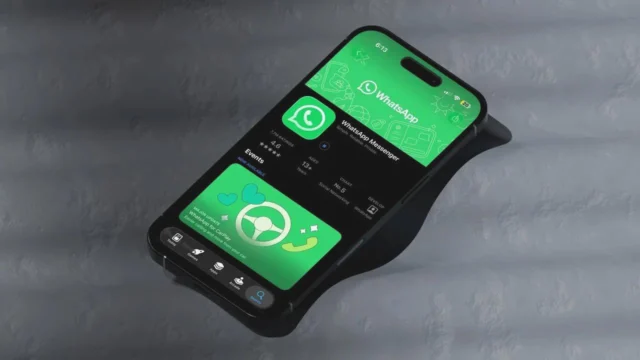
Bring Your WhatsApp Status to Life with MusicMeta has expanded its music features from Facebook and Instagram stories to its popular messaging platform, WhatsApp. Now, users can elevate their status updates by incorporating music directly into them. When you add a photo to your WhatsApp Status, a music note icon will prominently appear at the top of your screen. By tapping this icon, you’ll gain access to a vast library of tracks curated by WhatsApp.This feature includes millions of songs ranging from the latest chart-toppers to all-time favorites like Shape of You, Perfect, Galway Girl, and Gangnam Style. You can select a specific part of a song that matches the mood of your status update. For photos, you can add up to 15 seconds of music, whereas for videos, you can add music for up to 60 seconds.Steps to Add Music to Your WhatsApp StatusOpen the WhatsApp application.Tap the Updates icon.Select a photo or video to upload.Tap the music note icon to open the music browser.Search for your desired track or explore popular songs.Click the arrow to include the song in your status update.Use the progress bar to choose the perfect segment of the song.Tap the Done icon to finalize your selection.Rest assured, all WhatsApp Status updates will remain end-to-end encrypted, ensuring that even WhatsApp cannot access the content or music you add. This exciting new feature is now gradually being rolled out to users across the globe.
Enhance Your WhatsApp Status with Music
Discover how to elevate your WhatsApp status with music. Learn tips and tricks to add tunes and express yourself creatively.
 YazanSigorta Haber
Yayınlandı Güncellendi 2 dk okuma


YAZAR
Sigorta Haber
Finans ve ekonomi alanında uzman. Piyasa analizleri, yatırım stratejileri ve makroekonomik gelişmeler üzerine içerikler üretir.
Yazar profili ve tüm yazıları