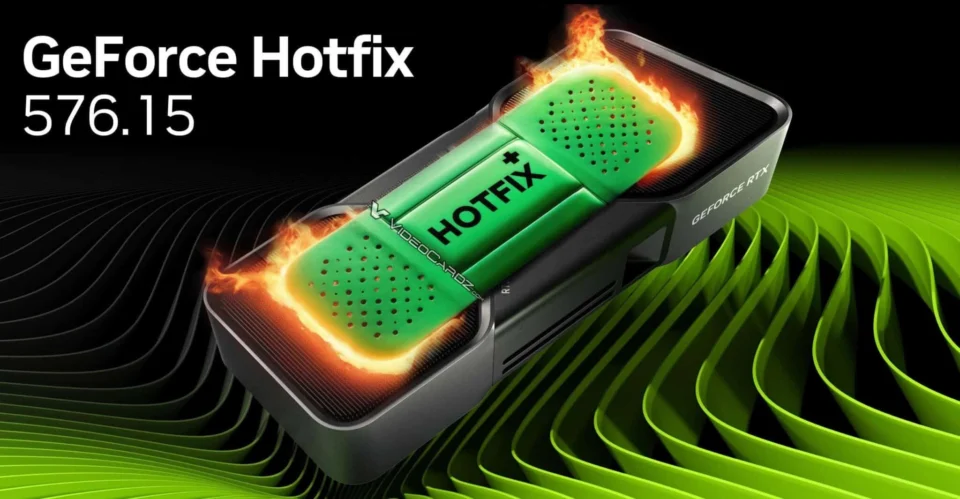
Introduction to Nvidia‘s Latest Driver UpdateNvidia has introduced the 576.26 update to its GeForce 576.02 driver, addressing temperature sensor malfunctions, game crashes, and display issues that have plagued users since the initial 576.02 release. This update is crucial as Nvidia‘s fix releases are infrequent and specifically target significant problems.Key Fixes and EnhancementsResolved Temperature Sensor IssuesInitially, a bug in version 576.02 caused the temperature sensor on the GPU to malfunction post-system wake-up, leading to incorrect adjustments of clock speeds and voltages. This resulted in performance inconsistencies and instability. Version 576.15 largely addressed these issues, and now, 576.26 further expands on these fixes.Game and Display ImprovementsThe hotfix driver 576.26 significantly enhances the gaming experience by resolving in-game crashes and screen distortions, particularly for RTX 50 series users. Additionally, it eliminates screen blackouts on LG monitors using HDR over DisplayPort 2.1, gray screen crashes on dual-monitor setups, and flickering at high refresh rates.Additional Resolved IssuesNvidia’s update also tackles several other problems as follows:Random V-SYNC stuttering in multi-screen setups within SteamVRCrashes during mode switching in Lumion 2024 softwareUnexpected game shutdowns during shader compilationBlack screen occurrences after standbyExcessive GPU clock speed reductions during idleTemperature sensor data unavailable post-sleep modeHow to Download the Nvidia 576.26 DriverTo access the Nvidia 576.26 driver, log in to the NVIDIA app or visit the official website. Navigate to the Drivers section in the left menu to download the latest version and complete the installation process.
Nvidia GeForce Driver Update 576.26: Critical Fixes and Improvements
Discover the latest Nvidia GeForce Driver Update 576.26, featuring critical fixes and enhancements for optimal gaming performance.
 YazanSigorta Haber
Yayınlandı Güncellendi 2 dk okuma

YAZAR
Sigorta Haber
Finans ve ekonomi alanında uzman. Piyasa analizleri, yatırım stratejileri ve makroekonomik gelişmeler üzerine içerikler üretir.
Yazar profili ve tüm yazıları