Widespread Problems After Windows 11 January 2026 Update
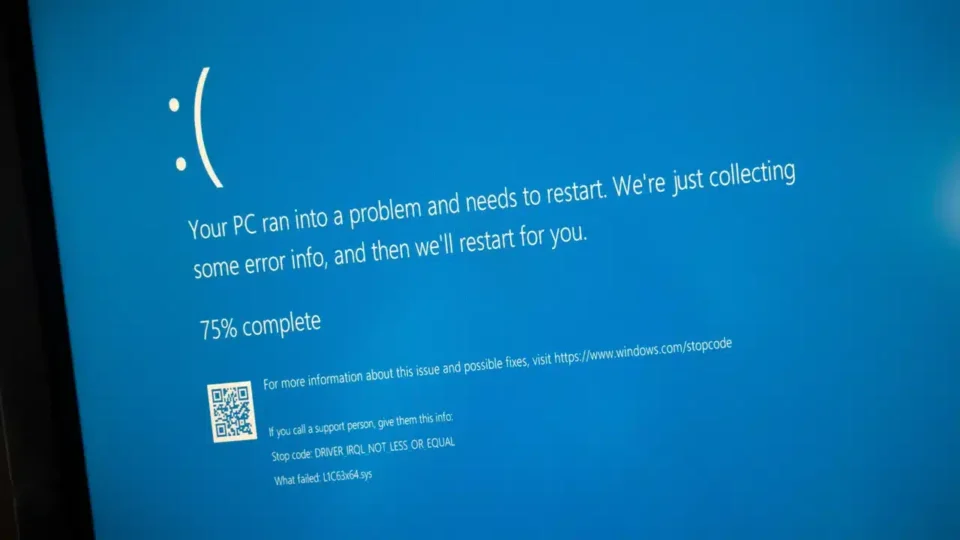
The Windows 11 update rolled out in January 2026 quickly turned into one of Microsoft’s most troublesome update experiences in recent history. The patch, originally intended to address security vulnerabilities, rendered some computers completely unusable while creating stability and data loss issues on others. After numerous complaints, Microsoft initially advised users to uninstall the problematic update before pushing emergency fixes. The latest developments indicate that the process still remains unstable.
Critical Error and Boot Failures
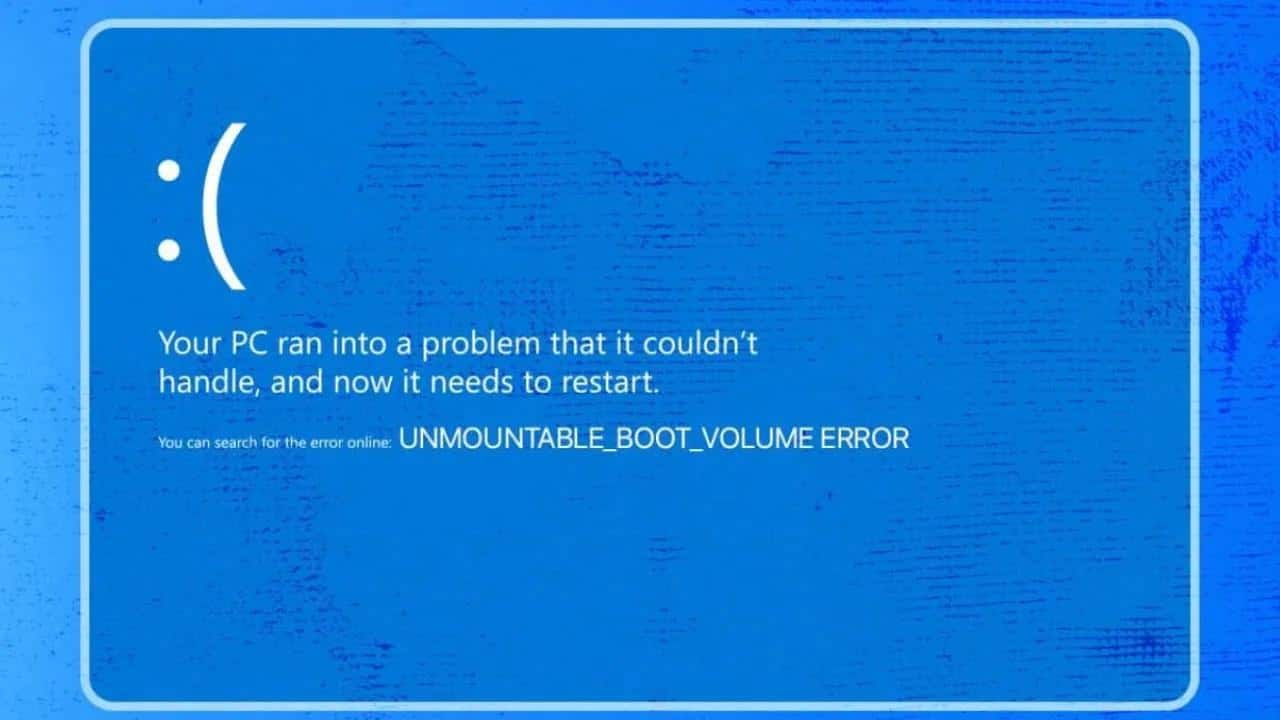
The update identified as KB5074109, which was released on January 13, 2026, for Windows 11 24H2 and 25H2 versions, caused severe boot problems. Following the restart, many users encountered the UNMOUNTABLE_BOOT_VOLUME error. This error indicated that the system was unable to reach the boot drive, preventing Windows from loading. Affected computers either got stuck in a continuous restart loop or displayed a permanent black screen.
Driver Incompatibilities and Explorer Issues
Even users whose systems could still boot faced new challenges. The update created conflicts within graphics drivers, triggering frequent freezes, black screens, or nonresponsive desktops during high GPU usage. Additionally, File Explorer malfunctions appeared, where personalization settings were lost, and backgrounds were automatically reset in systems using desktop.ini files. Moreover, sleep mode (S3) stopped functioning properly, leaving many devices unable to wake up after being suspended.
App and Authentication Failures
The issues extended to applications as well. Many users experienced freezing upon startup in Outlook Classic, and some were unable to synchronize their email accounts. For corporate networks, authentication screens in Azure Virtual Desktop and Windows 365 connections failed, disrupting operations for remote workers. At this stage, Microsoft advised affected users to uninstall the update as a temporary measure.
Microsoft’s Emergency Toward Stability
This rollback period, however, was brief. Shortly afterward, Microsoft distributed an initial emergency patch targeting the most critical issues. More recently, a second emergency update — KB5078127 — was automatically rolled out, eliminating the need for manual removal of KB5074109. With this patch, Windows 11 version 25H2 shifted to build number 26200.7628, while version 24H2 moved to 26100.7628.
Lingering Concerns About the Update Process
The series of update complications has raised significant concerns regarding Microsoft’s Windows 11 update strategy. What began as a security measure evolved into widespread system failures, desktop corruption, and multiple rounds of emergency patches. Currently, Microsoft continues its damage control efforts, aiming to fully restore system stability through this third corrective update.