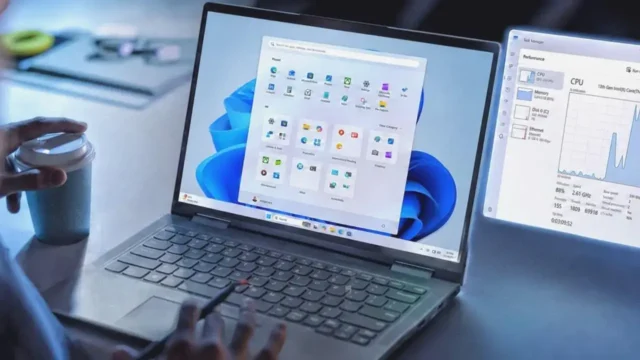
BitLocker and Device Encryption Default ActivationWith the release of Windows 11 24H2, BitLocker or Device Encryption is now automatically activated by default, extending its reach beyond just the Pro versions to include systems with Home installations as well. This change has sparked a wave of concern among users.Microsoft’s Unexpected MoveMicrosoft has enabled BitLocker without providing prior notification to users. Although BitLocker is known to potentially impact drive performance and speed, the more pressing issue is the risk of data loss. BitLocker is activated automatically when logging into a Microsoft account, yet the company fails to alert users about this change. For many, losing access to their Microsoft account could equate to losing their data.Data Recovery and Disabling EncryptionWhile BitLocker recovery keys can be backed up and retrieved, and the encryption can be disabled during the operating system installation using tools like Rufus, Microsoft still needs to provide clear warnings to users.Disabling BitLocker Encryption in Windows 11To turn off BitLocker encryption in Windows 11, users can navigate to the Settings app and select Device encryption under the Privacy & Security section. This allows them to view the BitLocker recovery key and manage encryption settings.
Windows 11 24H2: BitLocker Encryption Now Default
Explore Windows 11 24H2 update, where BitLocker encryption is now the default. Secure your data effortlessly with enhanced protection.
 YazanSigorta Haber
Yayınlandı Güncellendi 1 dk okuma


YAZAR
Sigorta Haber
Finans ve ekonomi alanında uzman. Piyasa analizleri, yatırım stratejileri ve makroekonomik gelişmeler üzerine içerikler üretir.
Yazar profili ve tüm yazıları