Microsoft Elevates Windows 11 Experience with AI-Powered App Updates
Microsoft is enhancing the Windows 11 platform by updating its most frequently used built-in applications: Paint, Snipping Tool, and Photos. These updates significantly improve functionality, bringing AI-powered capabilities to these essential tools.
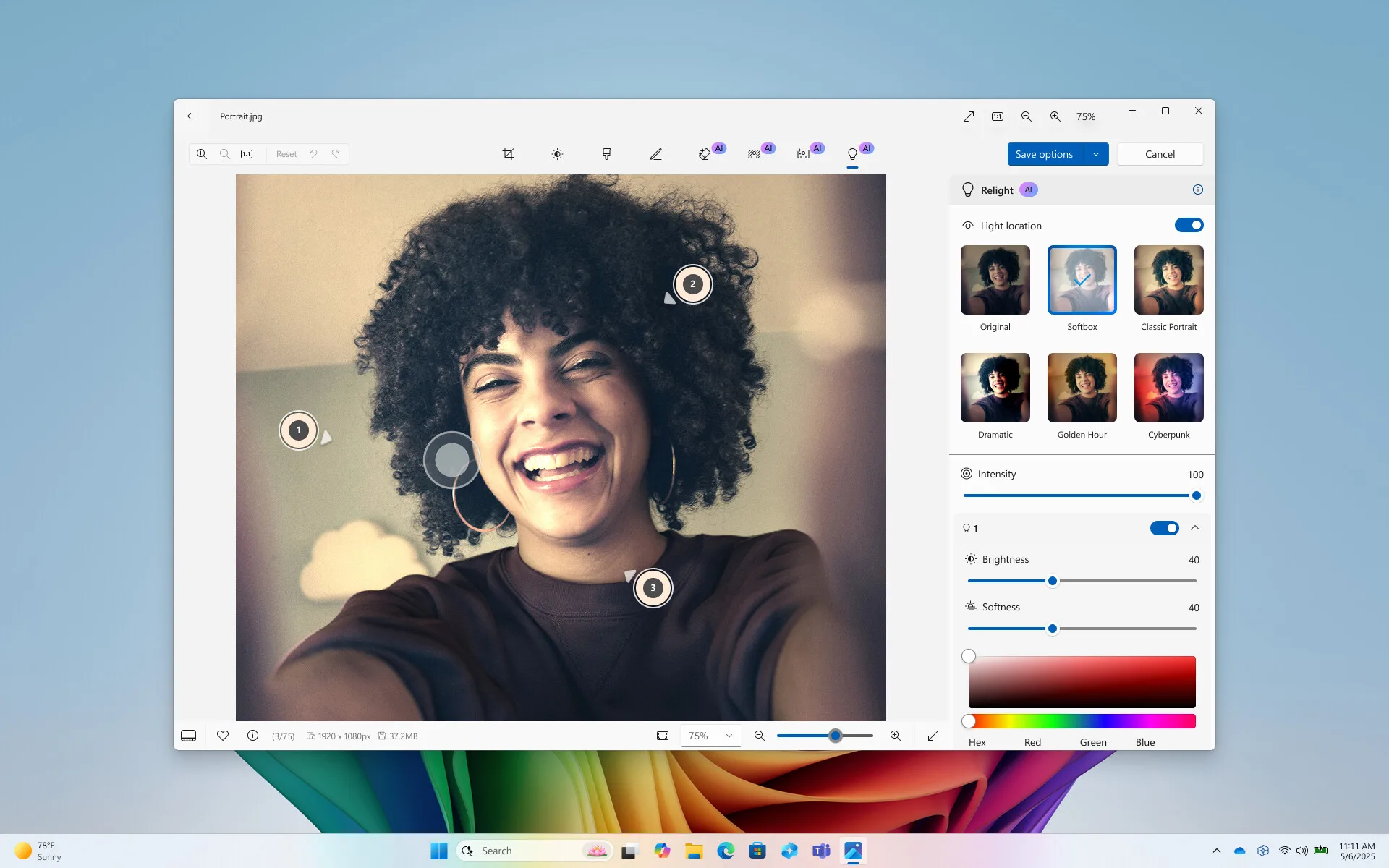
Photos App: Introducing the ‘Relight’ Feature
Windows 11’s Photos app now includes a new ‘Relight’ feature that offers users enhanced control over their images. This feature allows the addition of dynamic light sources to photos, enabling users to adjust them creatively. Users can place up to three light sources in the photo, change their colors, set focus points, and customize settings like brightness and intensity. This update delivers more artistic and expressive photo editing possibilities.
Paint: Modernization with AI Touches
The classic Paint application receives a modern twist with artificial intelligence-driven enhancements. The new ‘Sticker Generator’ feature simplifies the creation of personalized sticker packs. Moreover, the ‘Object Select’ feature allows users to easily isolate and select specific elements in an image using AI, streamlining the editing process.
Snipping Tool: Enhanced Functionality
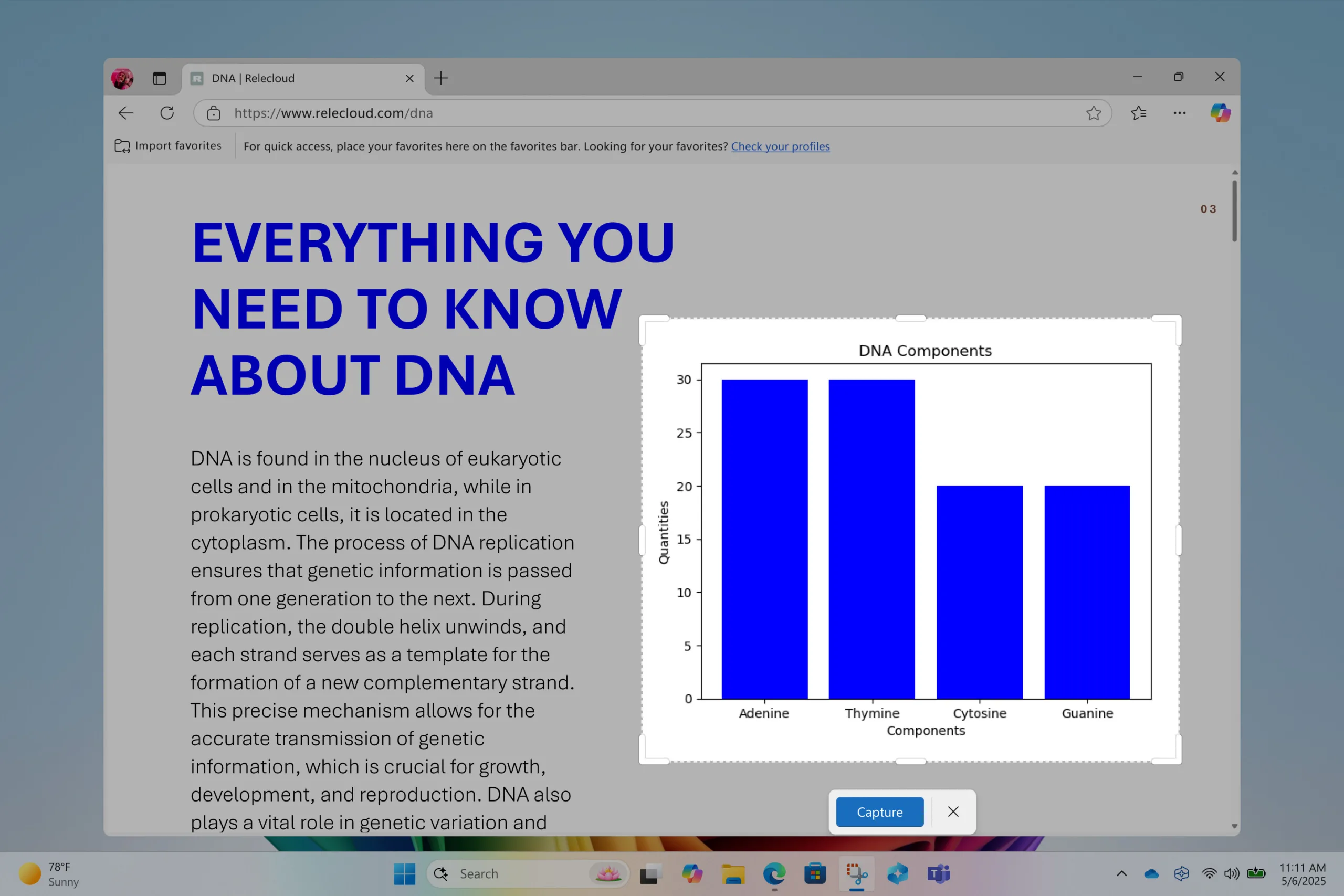
The indispensable Snipping Tool for screenshots sees substantial improvements. It now automatically adjusts the capture area based on on-screen content, such as a window. Additionally, the inclusion of a ‘Text Extractor’ feature (OCR) enables the recognition and extraction of text from captured screenshots. A ‘Color Picker’ tool is also added, allowing users to select colors from images with ease.
Accessibility Features for Copilot+ Computers
As part of these updates, Microsoft announced a special accessibility feature for Copilot+ computers with Snapdragon processors. The Narrator screen reader will now provide richer and more detailed descriptions of image content, enhancing accessibility for users with visual impairments.
These new features, brought to Windows 11’s core applications, significantly bolster the operating system’s built-in tools. With AI-driven functionalities, users can efficiently perform basic photo editing, snipping, and drawing tasks through Windows’ native apps, reducing the need for third-party software. It’s important to note that the availability of these updates may vary by region and deployment phase.