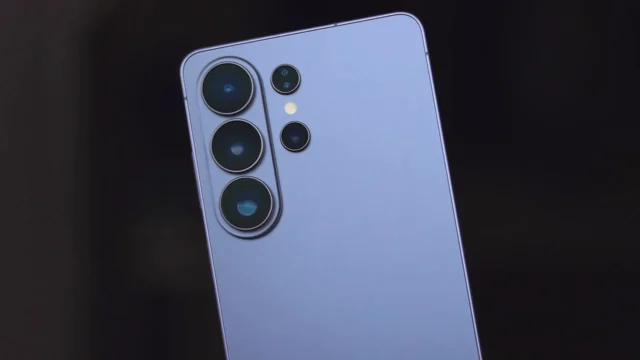
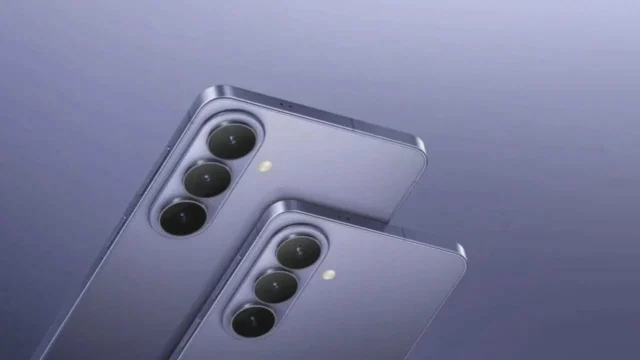
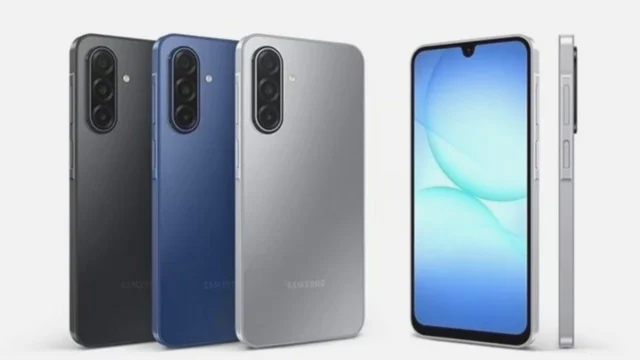
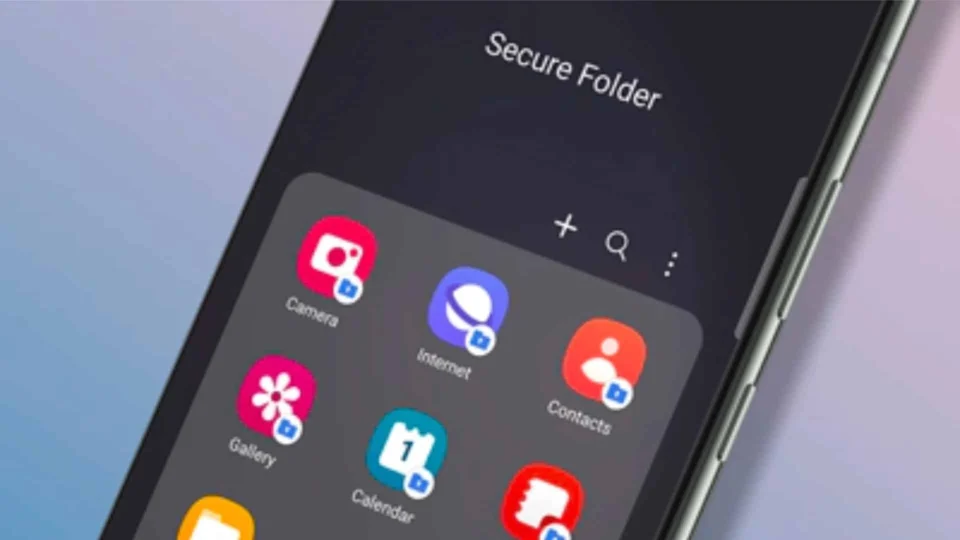
Samsung Secure Folder: A Privacy ConcernSamsung’s Secure Folder is designed to safeguard users’ personal files, apps, and photos, ensuring their privacy and security. However, a recent issue has emerged with the One UI 7 update, compromising the confidentiality of some content stored within this folder.Exposure of Photos in Secure FolderThe problem arises from a feature in the Secure Folder’s Gallery app known as “Auto-generate stories”. This feature compiles photos to create short stories or slideshows. Alarmingly, these generated stories are displayed as notifications outside the Secure Folder, making them accessible to anyone who taps on the notification. This flaw reveals photos that are supposed to be securely locked away.This security vulnerability impacts all devices that have received the stable One UI 7 update, including the Galaxy S24, Z Flip 6, and Z Fold 6. Although Samsung initially rolled out this update, it has now been paused for undisclosed reasons.Temporary SolutionUntil Samsung addresses this issue, users can disable the story feature to protect their privacy. To do this, open the Gallery app within the Secure Folder, tap on the Menu option, go to Settings, and switch off the Auto-generate story option.
Samsung Secure Folder Vulnerability in One UI 7 Update
Explore the Samsung Secure Folder vulnerability in the latest One UI 7 update, affecting user data privacy and security measures.
 YazanSigorta Haber
Yayınlandı Güncellendi 1 dk okuma

YAZAR
Sigorta Haber
Finans ve ekonomi alanında uzman. Piyasa analizleri, yatırım stratejileri ve makroekonomik gelişmeler üzerine içerikler üretir.
Yazar profili ve tüm yazıları