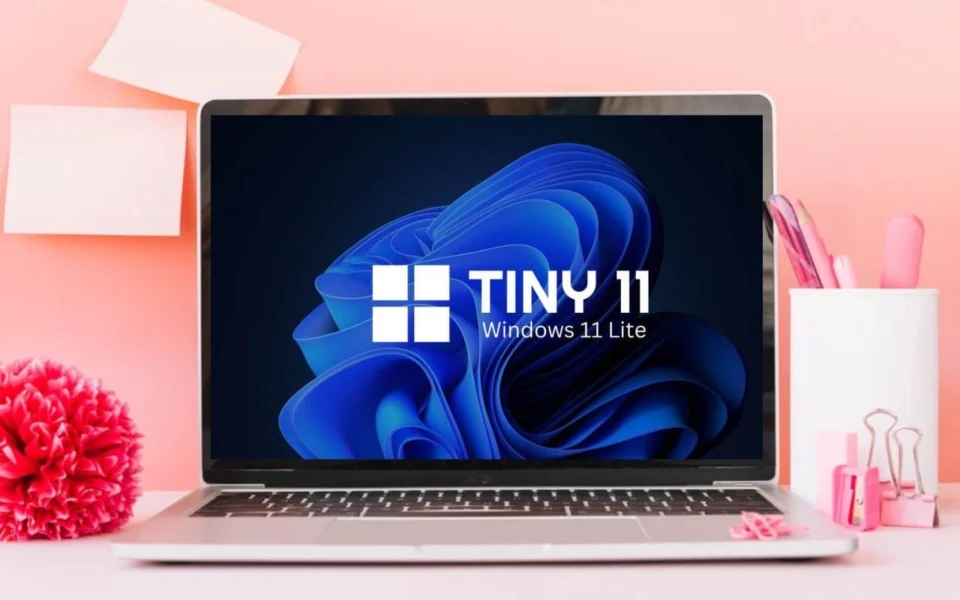
Introduction to Tiny11 If you have an old PC and are determined to run Windows 11, you might have already tried optimizing the standard version. If it still isn’t satisfactory, consider using Tiny11, a special, streamlined build of Windows 11 designed for older systems. While the standard Windows 11 requires a minimum of 4 GB RAM, TPM and Secure Boot enabled, as well as 64 GB of storage, these specifications can be challenging to meet on an older machine. If bypassing these requirements seems complex, Tiny11 presents an alternative that significantly lowers these barriers. What is Tiny11? Tiny11 is a modified, lightweight version of Windows 11 developed by NTDEV, independent from Microsoft. It maintains the core experience of the latest Windows operating system but removes unnecessary apps, services, and features to minimize resource consumption. This makes it especially suitable for computers with limited hardware capabilities. The build retains essential security features like kernel isolation, data encryption, and Microsoft Defender Antivirus, though it does not support Microsoft Edge. Users can instead opt for alternative browsers like Chrome or Firefox. Advantages of Tiny11 Optimized Performance: Designed specifically for older hardware, providing a smoother experience by reducing the use of system resources. Low System Requirements: With significantly lower RAM and storage needs, it’s ideal for older computers, requiring only 2 GB of RAM and 8 GB of space. Simple Installation: The absence of TPM and Secure Boot requirements makes installation straightforward, even for users with minimal technical expertise. Customizable Security: While maintaining core security features, Tiny11 allows customization to balance performance and security. Installation Process The installation of Tiny11 mirrors that of standard Windows 11, minus the need for TPM and Secure Boot. Here’s a brief rundown: Download Tiny11 ISO: Access the official source by NTDEV on the Internet Archive. Ensure you log in to download. Create a Bootable USB: Use a tool like Rufus to create a bootable USB drive with the downloaded ISO. Install Tiny11: Boot your computer from the USB drive and follow the installation prompts, choosing your preferred settings and partitioning options. Usage and Considerations While Tiny11 offers a viable solution for older PCs, it is important to weigh the potential risks and missing features against your needs. As it’s not an official Microsoft release, certain functionalities might be limited, and direct support from Microsoft is unavailable. For those using virtual machines, Tiny11 offers a resource-efficient alternative to the full Windows 11, making it faster and more responsive. Conclusion The decision to use Tiny11 should be based on individual requirements, especially for users with older hardware unable to support the full version of Windows 11. While it offers a stripped-down Windows experience, it’s crucial to be aware of its unofficial status and potential limitations.
Optimizing Windows 11 for Older PCs: Exploring Tiny11
Discover how Tiny11 optimizes Windows 11 for older PCs, enhancing performance and usability without compromising essential features.
 YazanSigorta Haber
Yayınlandı Güncellendi 3 dk okuma

YAZAR
Sigorta Haber
Finans ve ekonomi alanında uzman. Piyasa analizleri, yatırım stratejileri ve makroekonomik gelişmeler üzerine içerikler üretir.
Yazar profili ve tüm yazıları