Microsoft Store Gets a Comprehensive Revamp
The Microsoft Store, a staple for Windows 10 and 11 users since 2012, is undergoing a significant transformation to address long-standing criticisms of its usability and features. The latest update introduces AI-powered personalization and smarter search capabilities.
A New, User-Centric Homepage
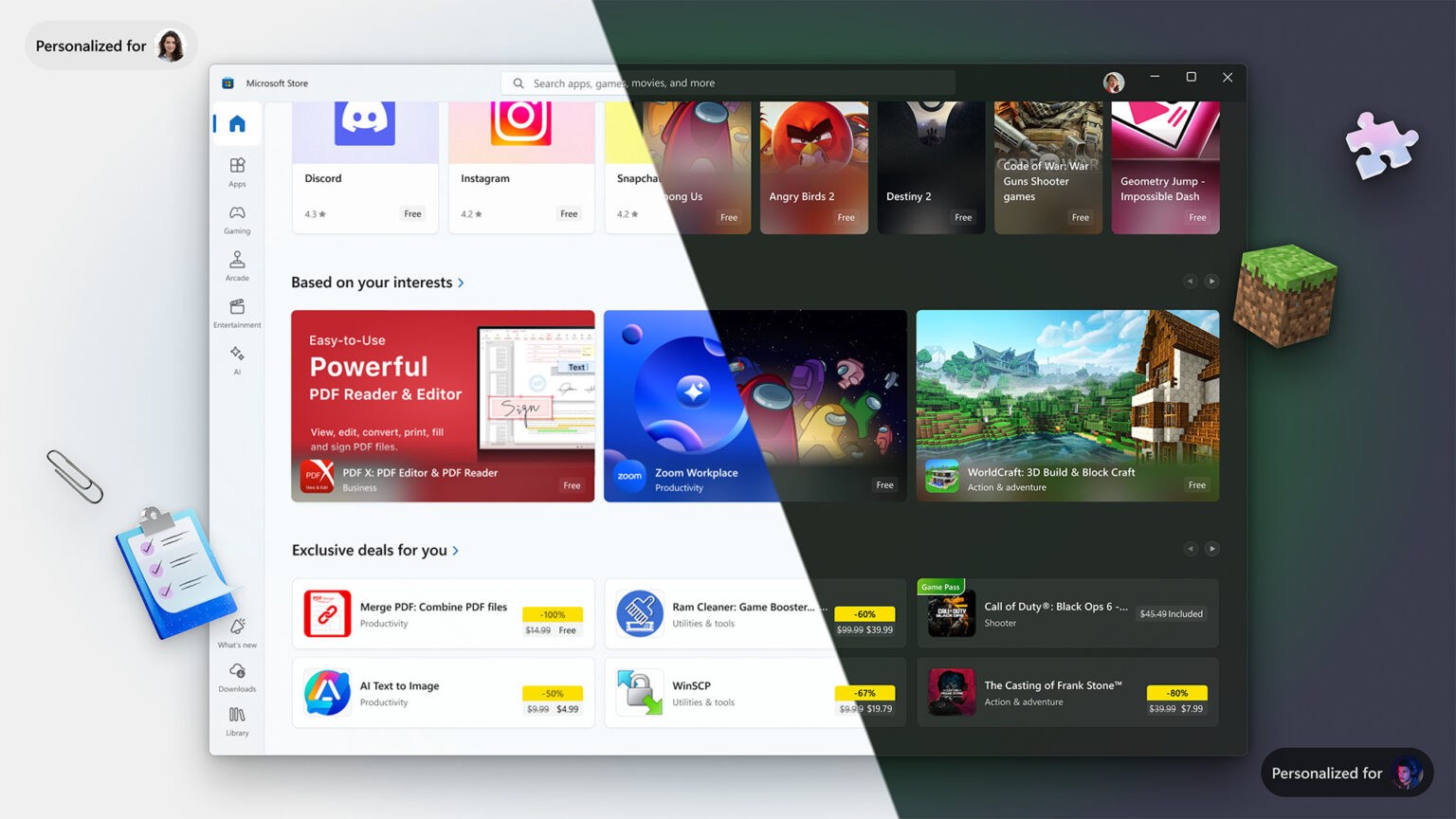
One of the standout features in this update is the introduction of a homepage designed to deliver personalized content based on user preferences. If your usage leans towards gaming, you’ll be presented with tailored suggestions for games. Conversely, if you’re more inclined towards professional tools, expect a homepage rich with developer software recommendations. Microsoft refers to this shift as the “AI marketplace,” highlighting its commitment to a more intelligent and intuitive user experience.
Enhanced Search Functionality
The search tool, previously criticized for its inefficiency, is now rebuilt to consider app recency, user ratings, and language compatibility. This overhaul aims to provide users with the most relevant and timely search results.
Integration of Copilot
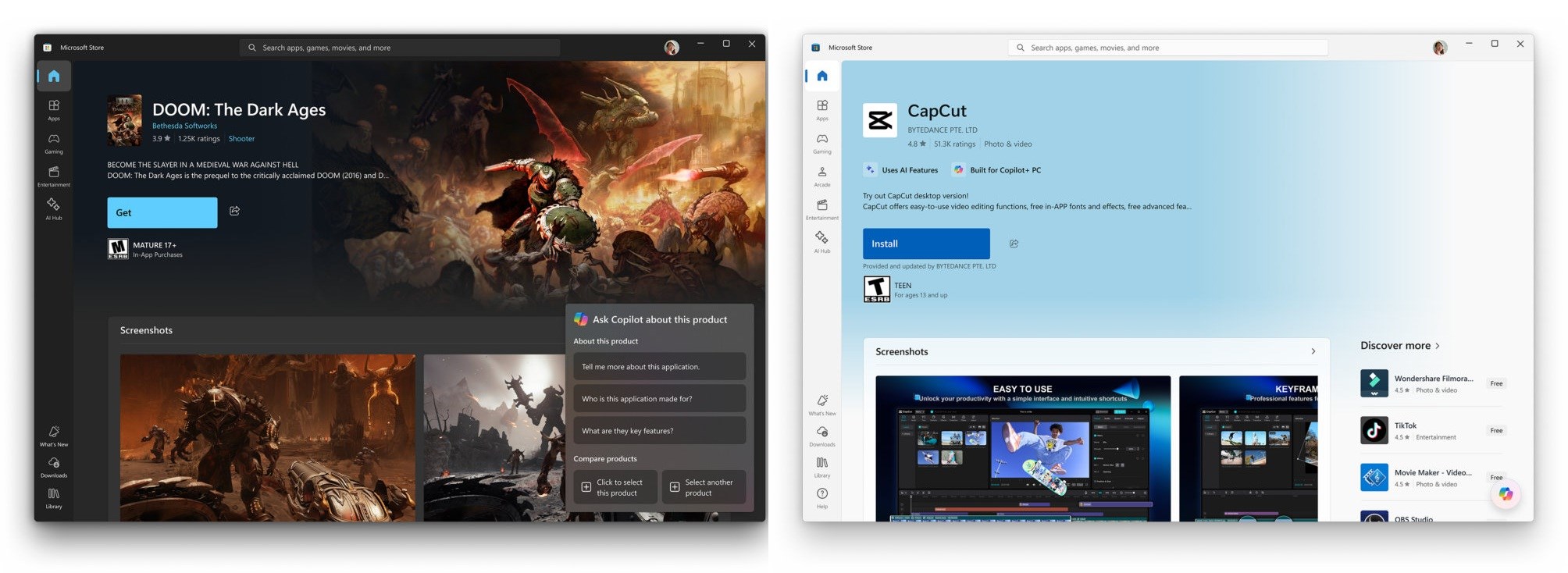
Another noteworthy addition is the integration of Copilot, an AI-powered assistant, into the Store experience. However, this feature is currently available only to users in the United States.
Direct Operating System Integration
Microsoft is also embedding the Store directly into the Windows operating system. Users can now initiate app searches from the Start menu, with the option to begin installations directly from there. While this feature aims to streamline the user experience, it may cause some confusion for those accustomed to using the Start menu primarily for uninstalling pre-installed apps.