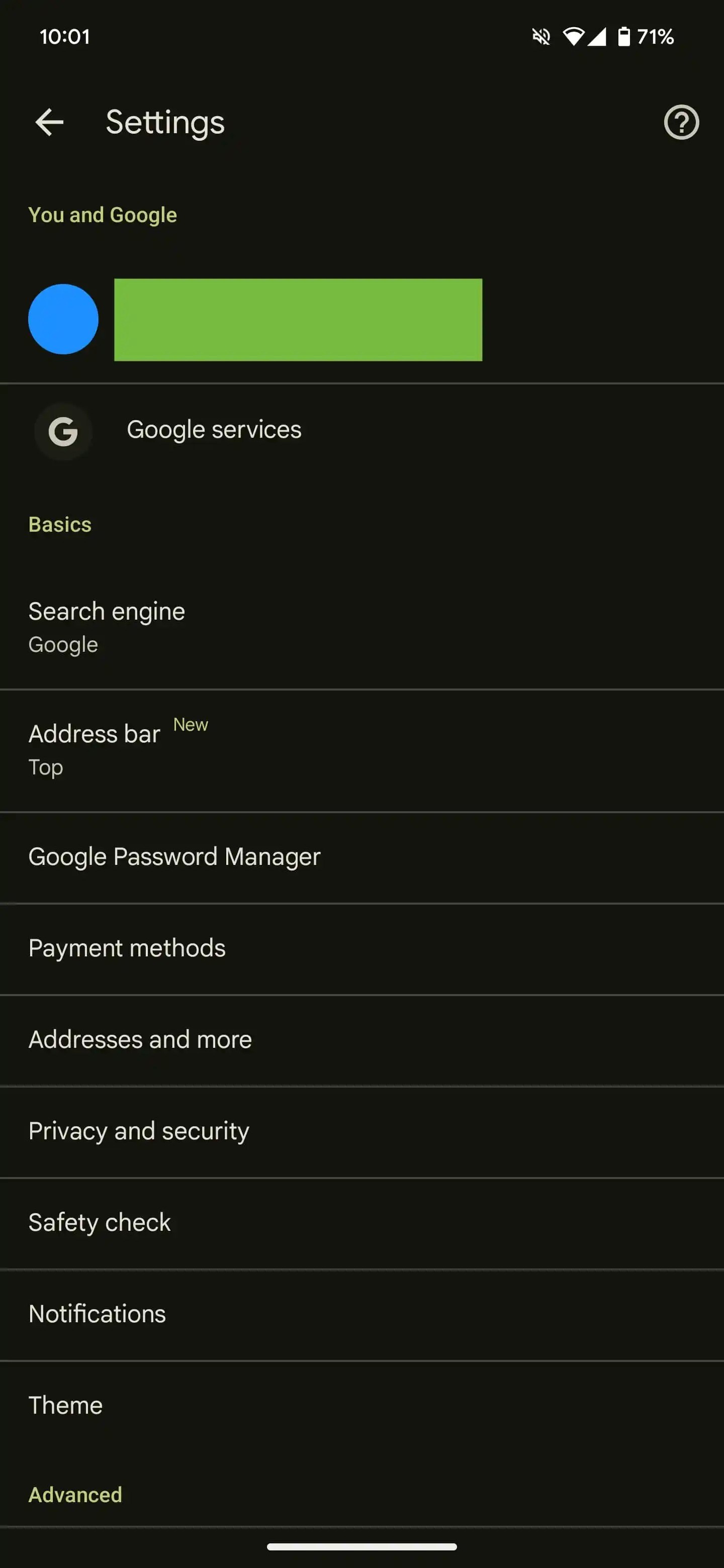
Google Chrome Introduces Customizable Address Bar on Android
The Google Chrome app on Android has introduced a new feature allowing users to relocate the address bar to the bottom of the screen. Initially tested in October last year, this option is now part of the stable release, enhancing user accessibility and convenience.
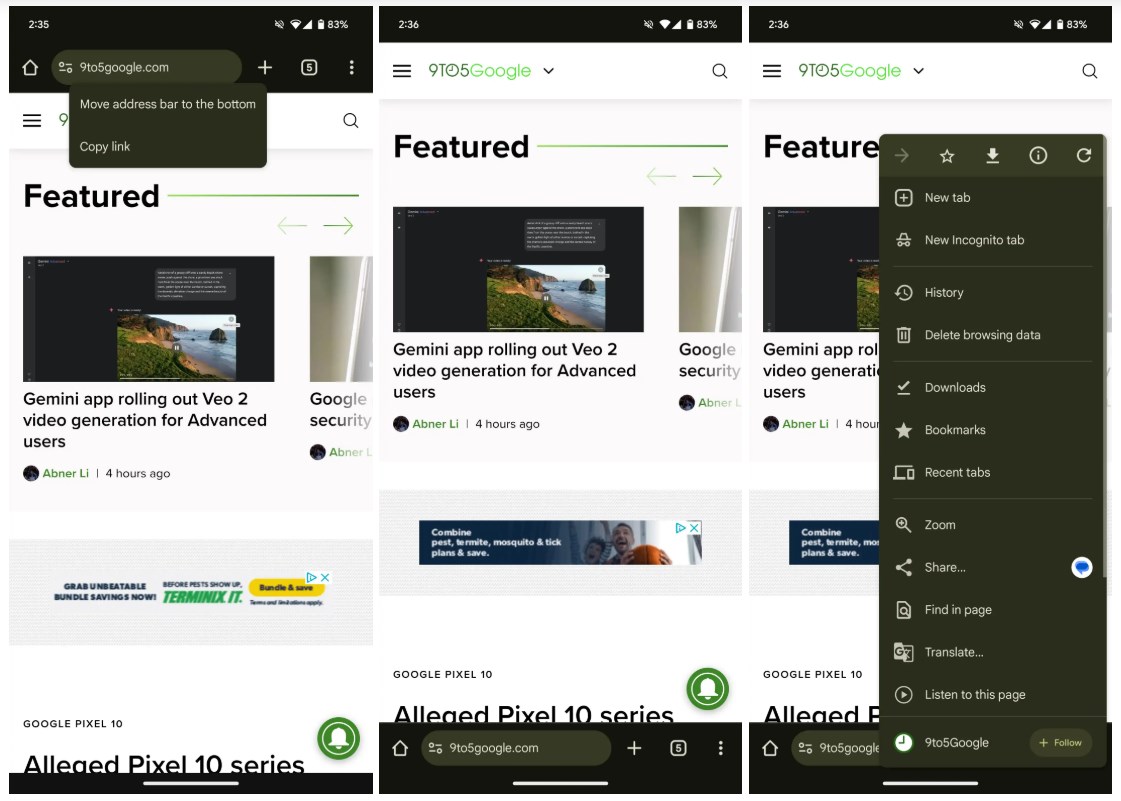
Customize via ‘Address Bar’ Menu
Users may notice prompts like ‘You can tap and hold to move the address bar to the bottom.’ Additionally, the position of the address bar can be adjusted through the new ‘Address bar’ menu in the Settings section. While the options for Bookmarks, New Tab, and History remain at the top of the three-dot menu, moving these options lower could further improve accessibility.
This feature is accessible on select devices running Chrome 135. Although not yet universally available, it is anticipated to roll out to all supported devices shortly, providing a more customizable browsing experience for Android users.