Samsung Launches One UI 7 Update
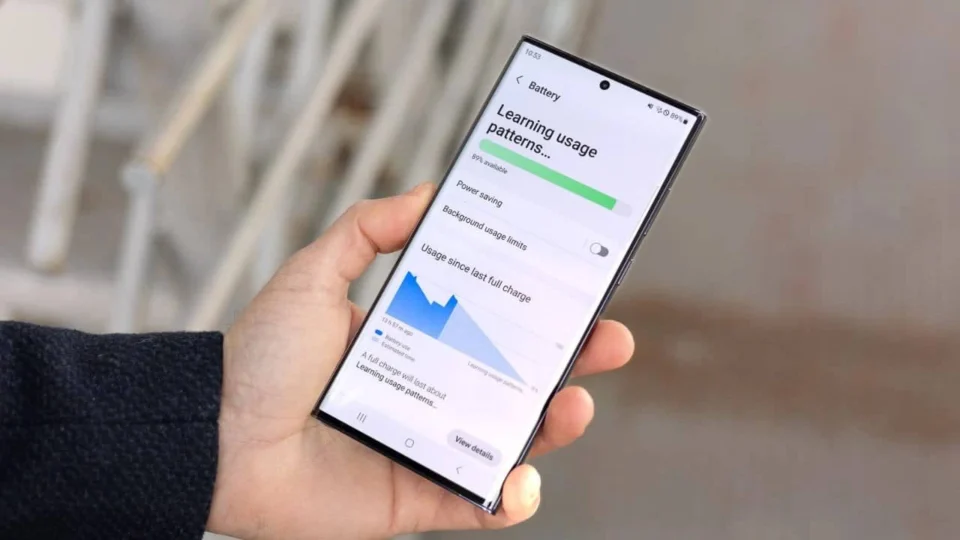
In April, Samsung initiated the rollout of its One UI 7 update, encompassing a broad range of Galaxy devices, from premium to budget models. This significant update, however, has led to widespread reports of battery drain issues among users. Numerous complaints have surfaced across social media and the Samsung Members community.
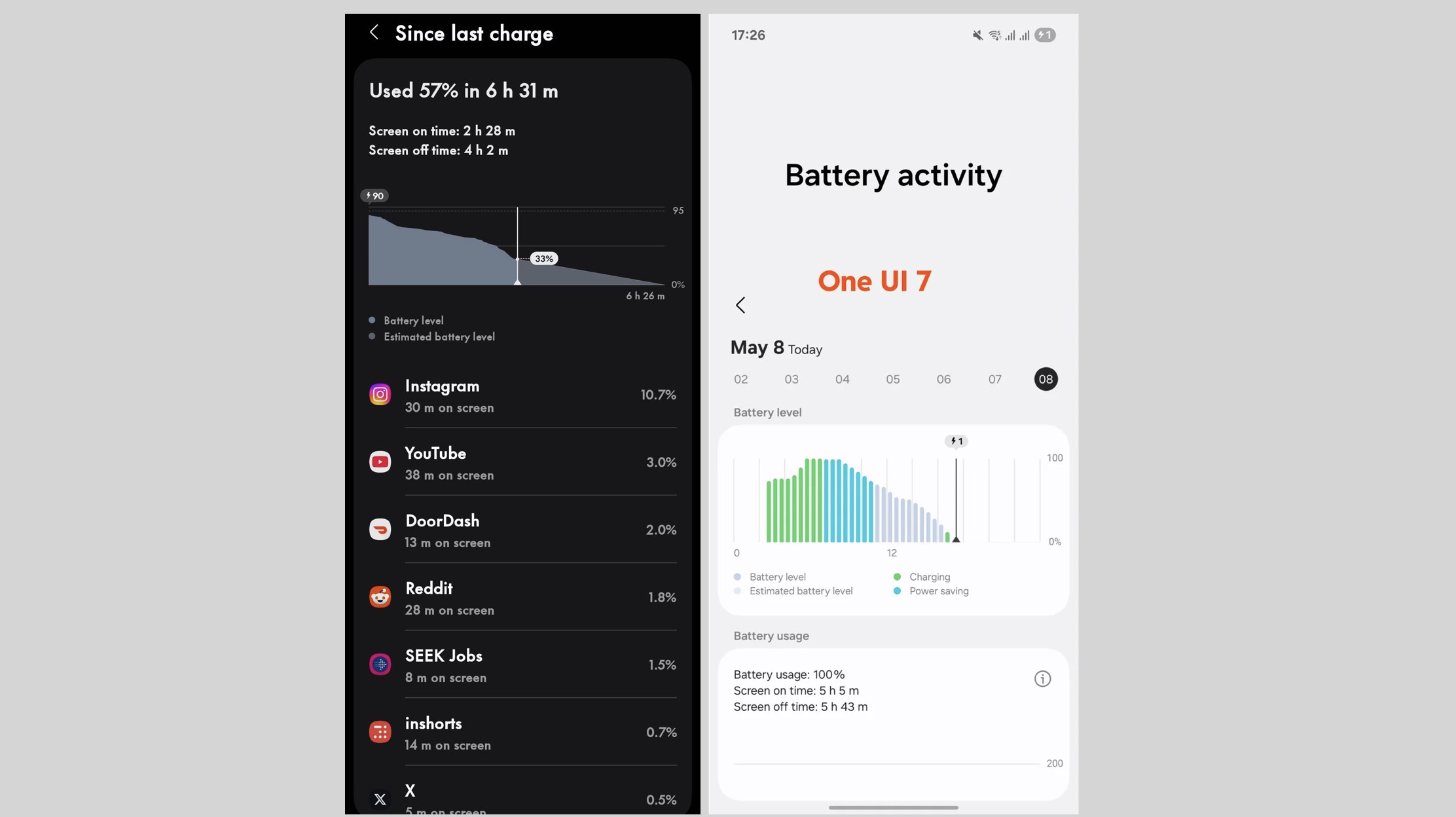
While Samsung has yet to release an official fix for this battery dilemma, a Samsung moderator has offered some practical tips to alleviate the issue.
Steps to Address One UI 7 Battery Issues
If your Samsung device’s battery life has noticeably decreased following the One UI 7 update, consider these steps to improve performance:
1️⃣ Optimize Your Phone’s Battery
Navigate to Settings, select Device Maintenance, and tap “Optimize Now”. This action enhances your phone’s performance by evaluating the battery, storage, and memory.
2️⃣ Disable Unused Features
Turn off Wi-Fi, GPS, Bluetooth, and mobile data when they are not in use to conserve battery power.
3️⃣ Monitor Network Usage
Try to avoid using your device in areas with weak or unstable network signals, as these can lead to increased battery drain.
4️⃣ Adjust Display Settings
Lower the screen brightness or activate auto brightness to extend battery life. You can adjust the screen timeout by going to Settings – Display – Screen Timeout and choosing the shortest duration available.
5️⃣ Identify Battery-Draining Apps
Within Device Care, check which apps are consuming the most battery. Consider updating these apps or restricting their use.
6️⃣ Close Background Applications
Terminate any apps running in the background that you are not actively using to enhance battery longevity.
7️⃣ Disable Automatic Synchronization
Open the notification panel and swipe down from the top of the screen to turn off automatic synchronization for apps and emails.
8️⃣ Perform a Factory Reset (If Necessary)
If the above measures fail, you may need to back up your data and perform a factory reset. To do this, go to Settings – General Management – Reset – Factory Reset.