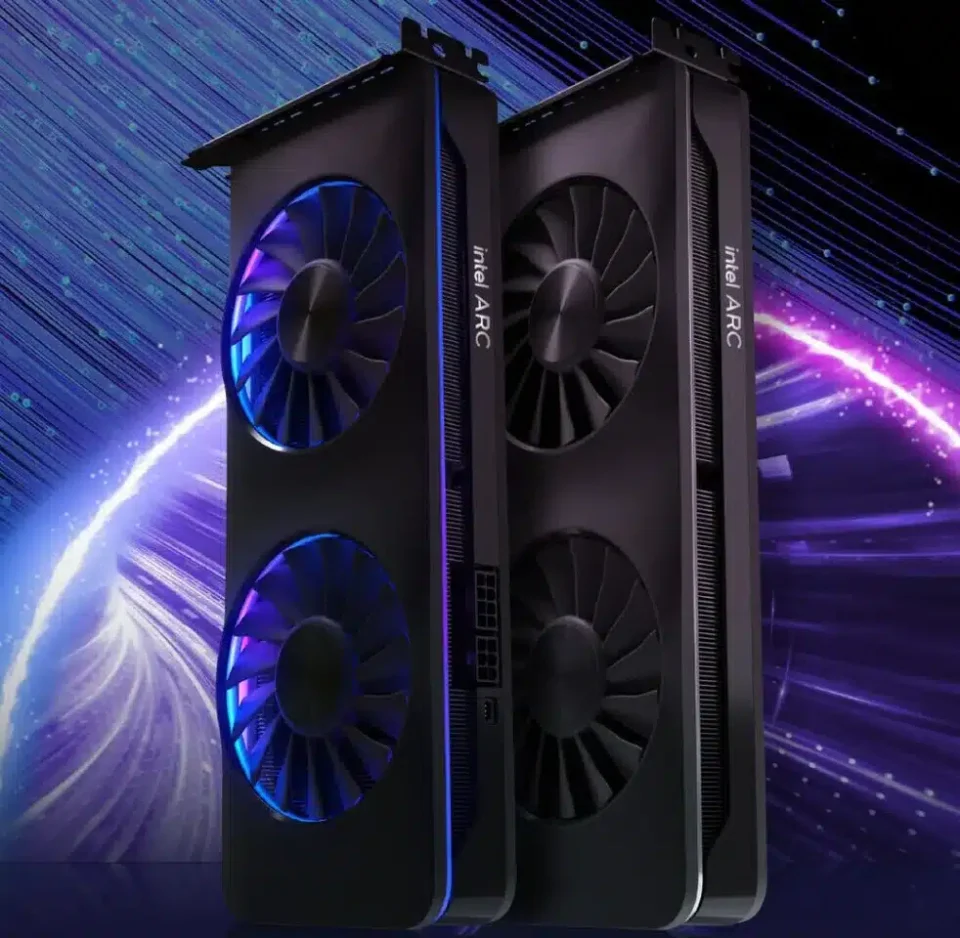
Introducing the Arc GPU 101.6790 WHQL Driver
Intel has unveiled its latest driver update for Arc GPUs, version 101.6790 WHQL. This update aims to enhance the user experience by rectifying several issues affecting popular games and software.
Addressed Issues
Warhammer 40000: Darktide: Players using Arc B-series GPUs previously encountered visual degradation with darkened textures. This issue has now been resolved.
The Last of Us Part 2: Arc A-series GPU users faced flickering shadows, which have been corrected in this release.
Blender Compatibility: Users of Core Ultra series 2 processors with integrated GPUs experienced compatibility issues with Blender, particularly when interacting with the camera device. This has been addressed.
Known Issues in Specific Graphics Cards
Intel Arc B-Series Graphics Cards:
Call of Duty: Black Ops 6: Some scenes may flicker during gameplay.
Returnal: Crashes may occur when ray tracing is enabled.
Call of Duty: Warzone 2.0: Distortions may appear in water zones.
MLPerf: Multi-GPU setups might show intermittent errors; it’s advised to disable the iGPU.
SPECapc for Maya 2024: Possible freezes during benchmarking.
PugetBench for Davinci Resolve Studio V19: May crash during benchmarking.
Intel Arc A Series Graphics Cards:
Returnal: Potential crashes with ray tracing turned on.
PugetBench for Davinci Resolve Studio V19: Benchmarking crashes may occur.
Intel Core Ultra Series 1 with Integrated Arc GPU:
PugetBench for Davinci Resolve Studio V19: Errors may appear with the Extended preset.
Intel Core Ultra Series 2 with Integrated Arc GPU:
Adobe Premiere Pro: Occasional crashes may happen.
PugetBench for Davinci Resolve Studio V19: Errors may appear with the Extended preset.
General Software Issues
Intel Graphics Software: Users might experience occasional crashes when browsing due to a frame issue, with a fix anticipated in WinAppSDK 1.7. Additionally, crashes might occur when resetting all settings in Windows 10 or rearranging metrics in the “Select metrics” window. The FPS Limiter may not function with VSync ON in combination with Low Latency Mode, and profile controls currently cannot override global controls. Non-native screen scaling might cause unwanted scaling, and crashes may happen when switching between profiles on the Profiles page.
Intel Graphics Software Performance Tuning (BETA): This feature might exhibit unexpected behavior as it is still under development. In multi-GPU installations, changes can be applied simultaneously to multiple GPUs.
Download the driver: 101.6790 WHQL