
SİGORTAWORLD • SÜREKLİ DEĞİŞEN İÇERİKLER
English
Fedora Project Unveils Fedora Workstation 42
Discover Fedora Workstation 42 by Fedora Project, offering new features and enhancements for developers and users alike. Learn more now!
2 dk okuma

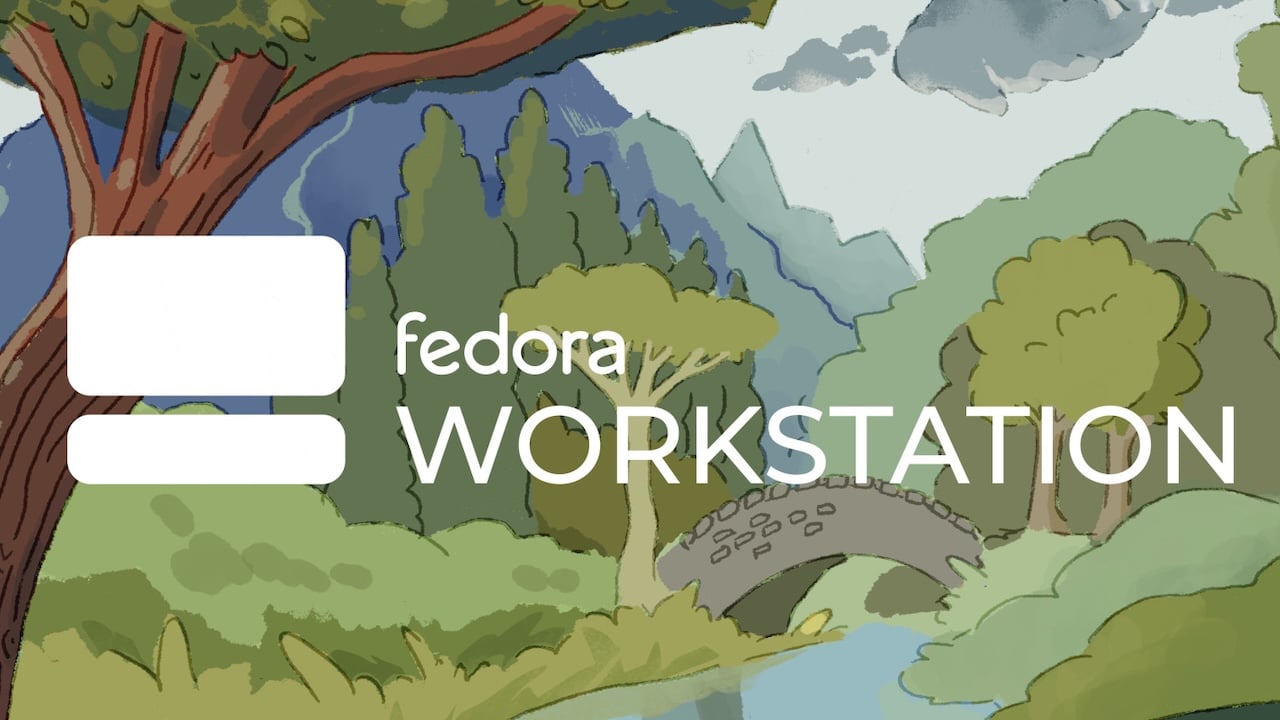
Fedora Workstation 42: A New Era of InnovationThe Fedora Project proudly announces the launch of Fedora Workstation 42, a release packed with exciting new capabilities and enhancements. This latest version introduces GNOME 48, which significantly elevates the user experience through improved animations and various refinements.Among the standout features of GNOME 48 are two new fonts: Adwaita Sans and Adwaita Mono. Users will enjoy a smoother visual experience thanks to dynamic triple buffering, which enhances animation fluidity. The Settings menu now includes digital well-being tools such as screen time tracking, grayscale mode for screen boundaries, and reminders for periodic breaks to reduce eye strain.Additional enhancements in GNOME 48 focus on accessibility and organization. Wayland accessibility has been improved, ensuring Orca shortcuts function correctly. Notifications have been streamlined, with messages from the same application now grouped together to maintain a tidy notification area.In a notable development, Fedora images are now available for Windows Subsystem for Linux (WSL) users. According to Fedora, “Recent versions of Windows support running Linux guests through WSL. These can be distributed via tarballs, Appx packages, or the Windows Store. Starting with this Fedora Linux 42 release, we now produce Fedora Linux images for WSL users.” This special image, complete with documentation, allows Windows users to explore a Fedora Linux environment effortlessly, paving the way for a smoother transition when they decide to install a Linux distribution on their PC.The update also brings advancements to Fedora’s package manager, DNF5. This version introduces new logic to automatically remove expired or outdated repository keys, minimizing the likelihood of encountering errors.To experience the innovative features of Fedora Workstation 42 or explore other Fedora editions, visit the official Fedora download page.

JD Vance Leads Early Contest to Succeed Trump as Marco Rubio Emerges as Main Alternative for 2028

WHO Raises Ebola Public Health Risk to Very High in DR Congo as Cases Increase

Pakistan Army Chief Visits Tehran as US-Iran Talks Show Limited Progress

Xi Orders Full Rescue Response After Coal Mine Gas Explosion in Northern China Kills Over 80

Italy expands defence cooperation with Kuwait through Leonardo naval systems, air force support, and regional military presence

USCIS Policy Requires Most Temporary Visa Holders to Leave the US to Apply for a Green Card
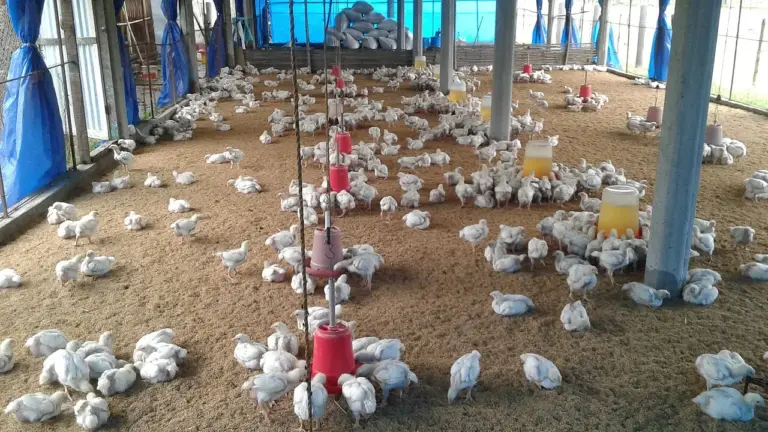
2026 TARSİM Kümes Hayvanları Hayat Sigortası: Kapsam, Prim Desteği ve Hasar Başvurusu

Online Sigorta Alırken Bu 7 Maddeye Dikkat Edin!

TARSİM Su Ürünleri Hayat Sigortası 2026: Balık Çiftliği Teminatları, Prim Desteği ve Hasar İhbarı

TARSİM Sera Sigortası 2026: Teminatlar, Prim ve 24 Saatlik Hasar İhbarı

Prudential, Brezilya ve Meksika Sigorta Faaliyetlerini 4,025 Milyar Dolara CNP Assurances’a Satıyor
